
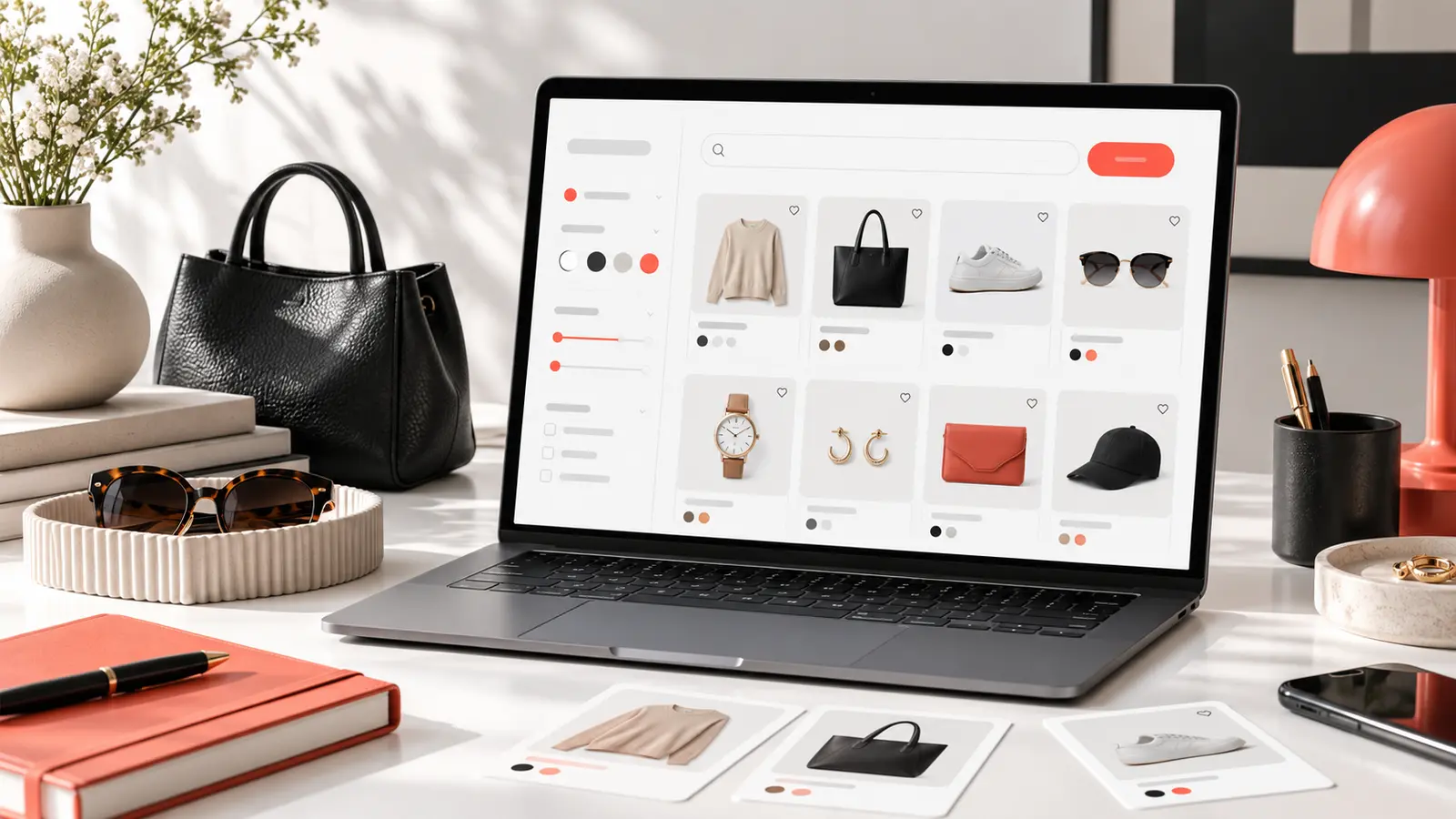
How to Use a Kakobuy Spreadsheet: Search, Compare and Verify Product Links
Learn a repeatable way to search thousands of Kakobuy product links, compare listings and verify the final item before ordering.
Read guide →Search seller listings, compare source photos and estimated prices, then open the selected marketplace item in Kakobuy.
Explore the current categories published by the source catalog.
Products, prices and images are read directly from kakobuymake.com.
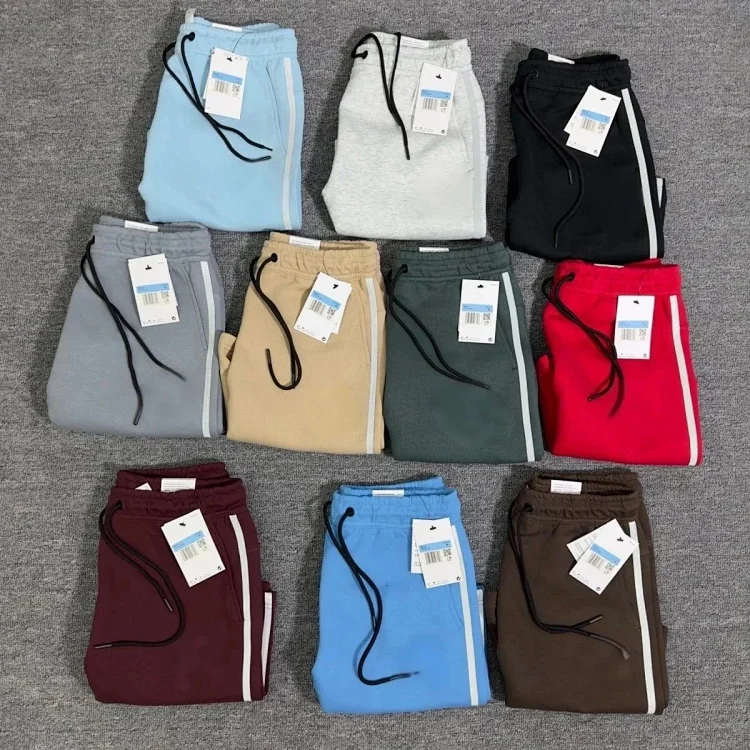 kakobuymake.comNike Shorts( 10 + styles)
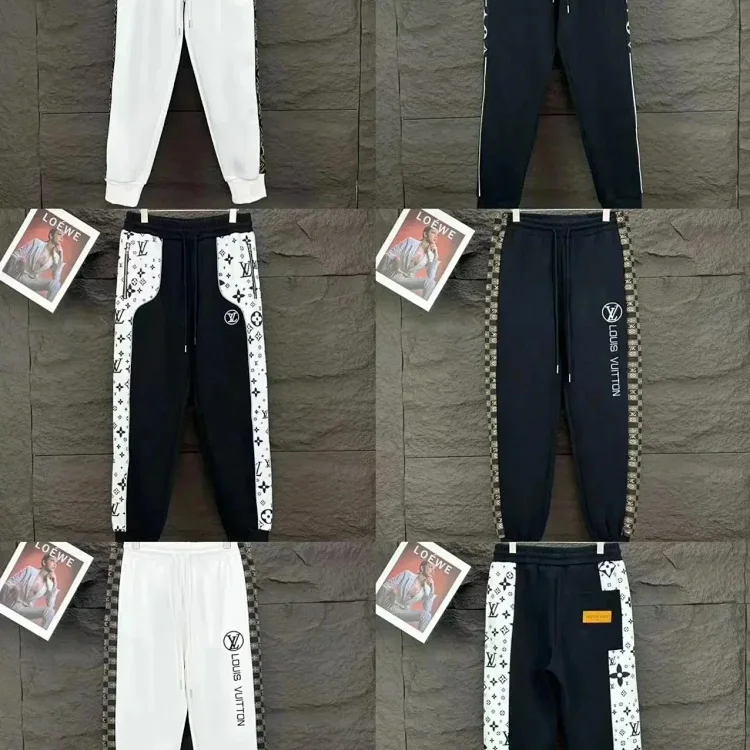 kakobuymake.comLV Sweatpants
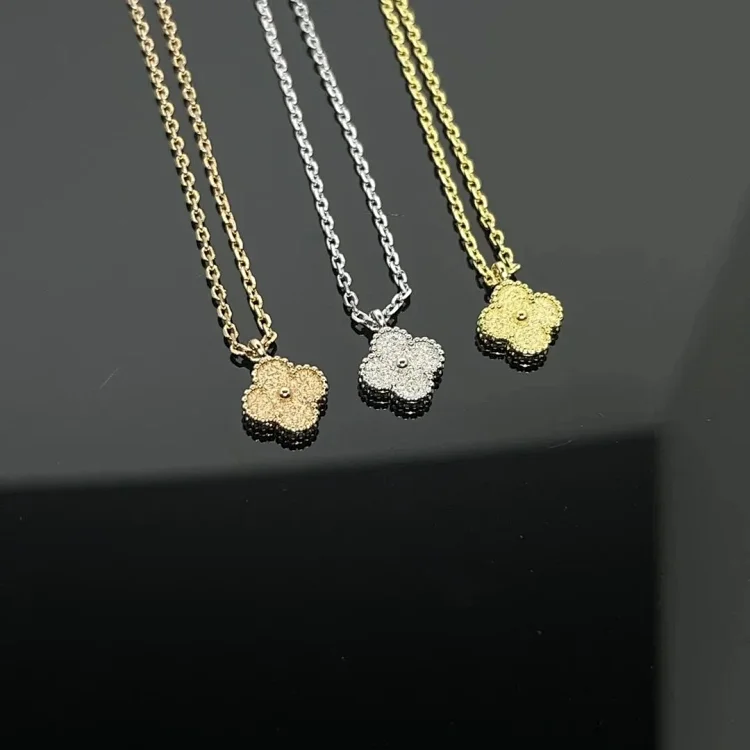 kakobuymake.comVan Cleef & Arpels
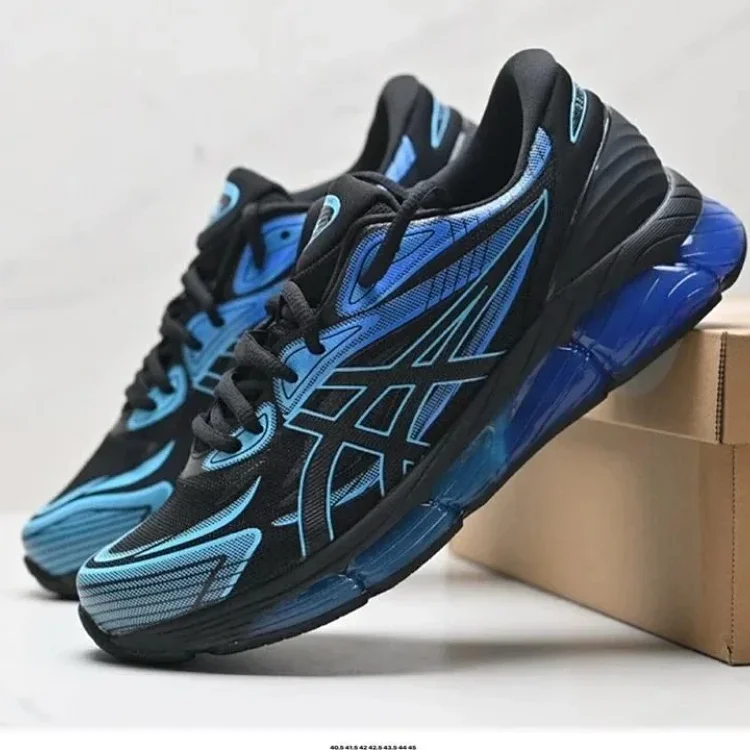 kakobuymake.comAsics shoes
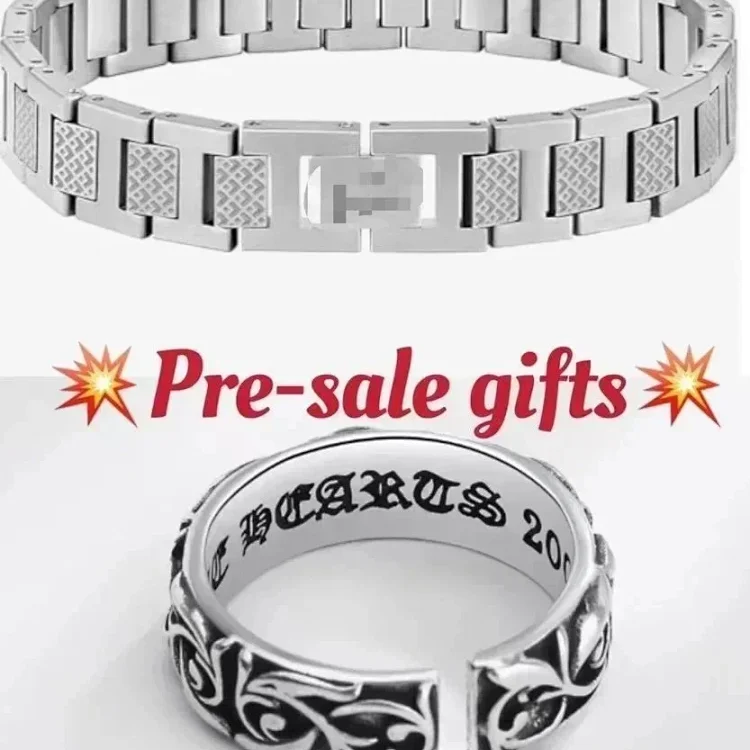 kakobuymake.comLACOSTE Bracelet
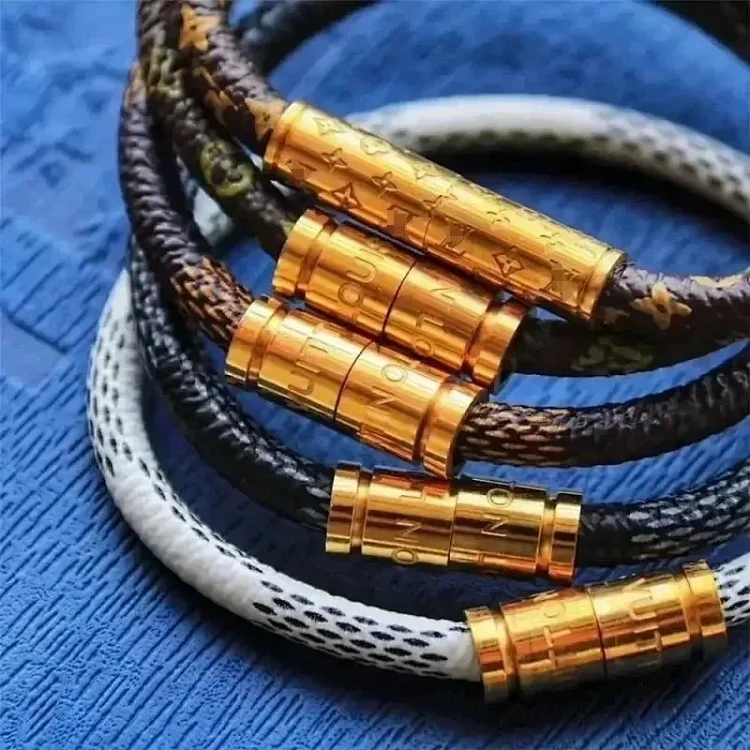 kakobuymake.comLV magnetic snap bracelet
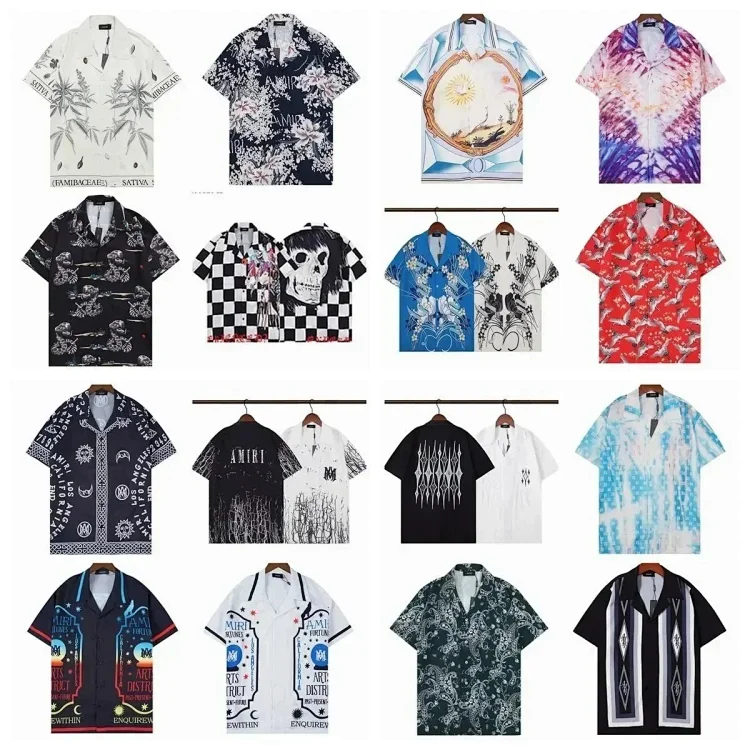 kakobuymake.comAMIRI Shirt( 26 + styles)
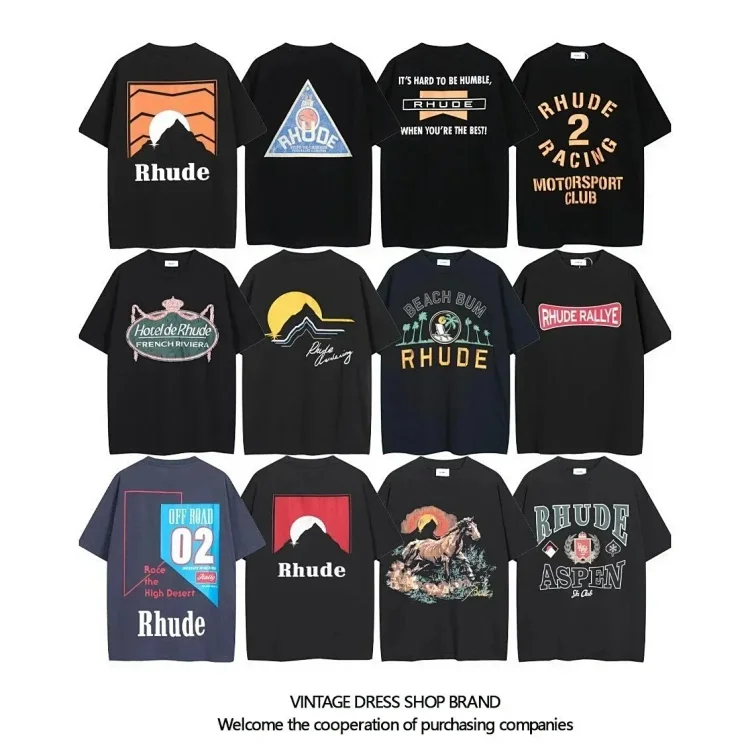 kakobuymake.comBurberry T-shirt
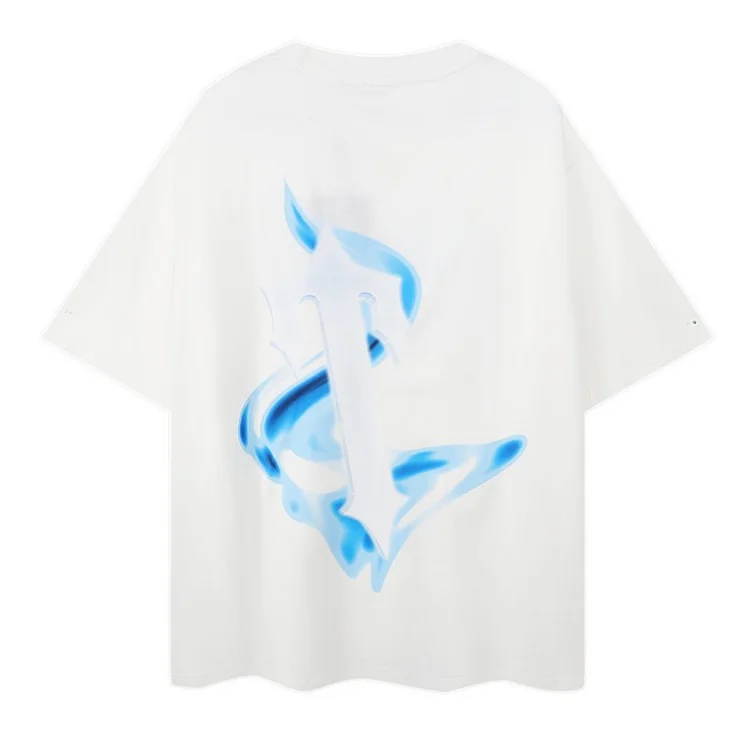 kakobuymake.comTRAPSTAR
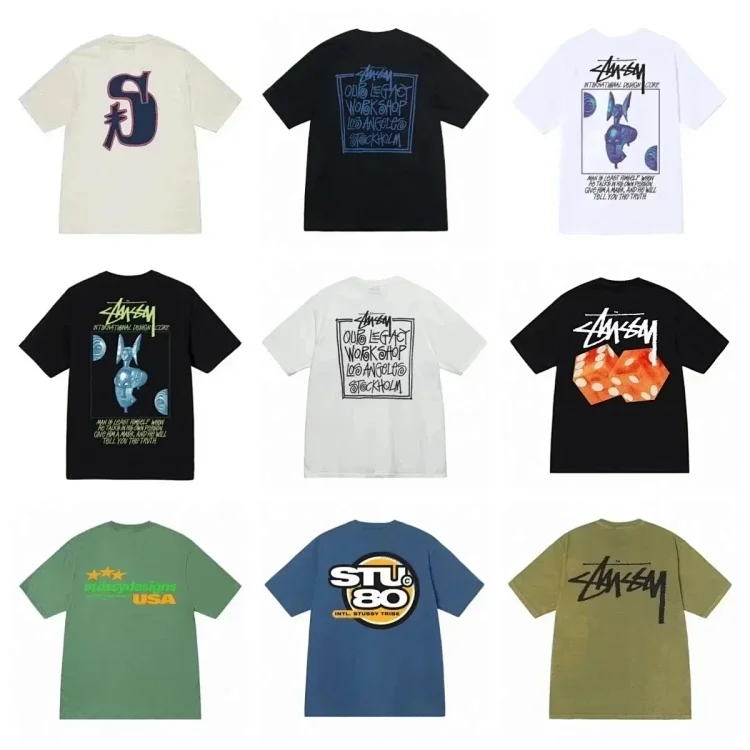 kakobuymake.comStussy tee (40 CP)
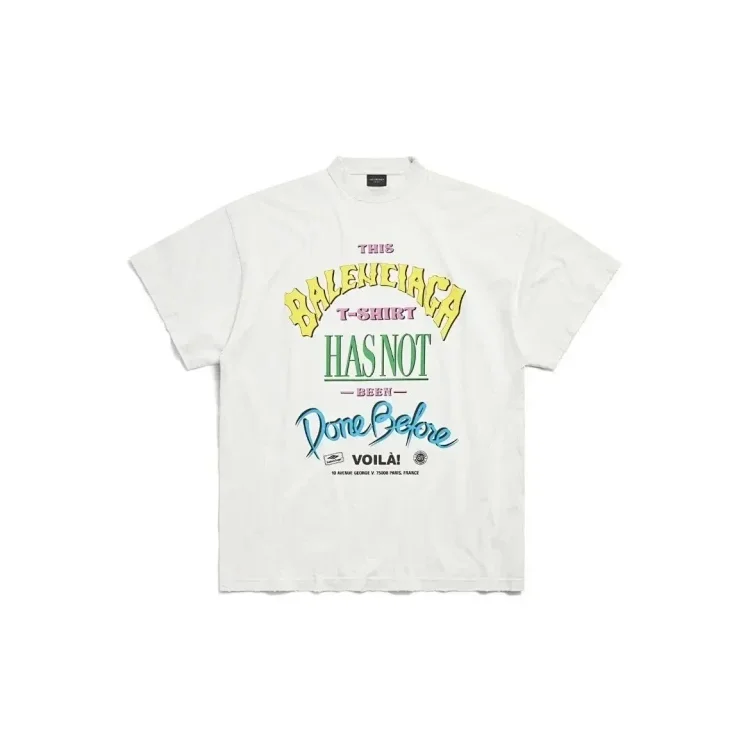 kakobuymake.comBalenciaga T shirt
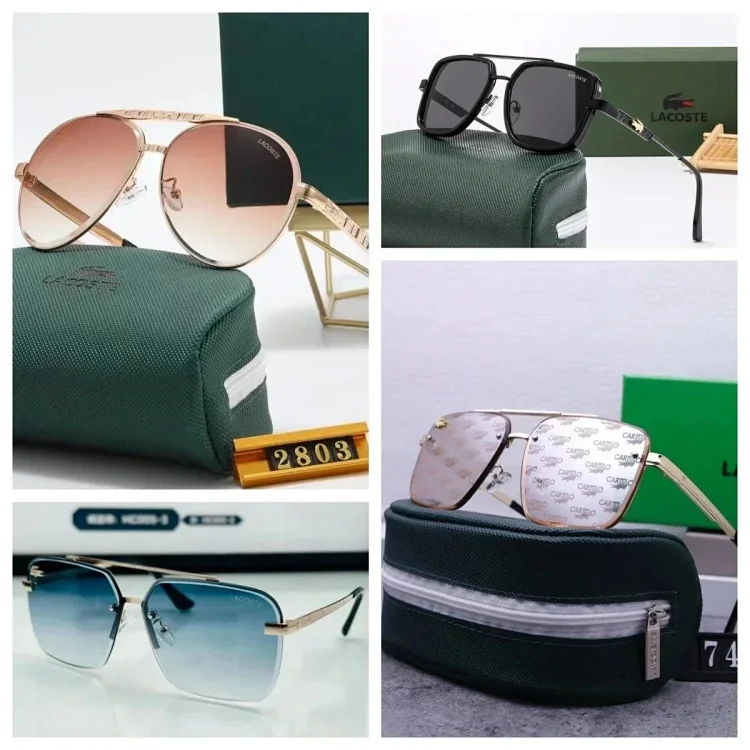 kakobuymake.comLACOSTE Sunglasses
Practical guides for spreadsheet search, QC photo review and parcel planning.
Learn a repeatable way to search thousands of Kakobuy product links, compare listings and verify the final item before ordering.
Read guide →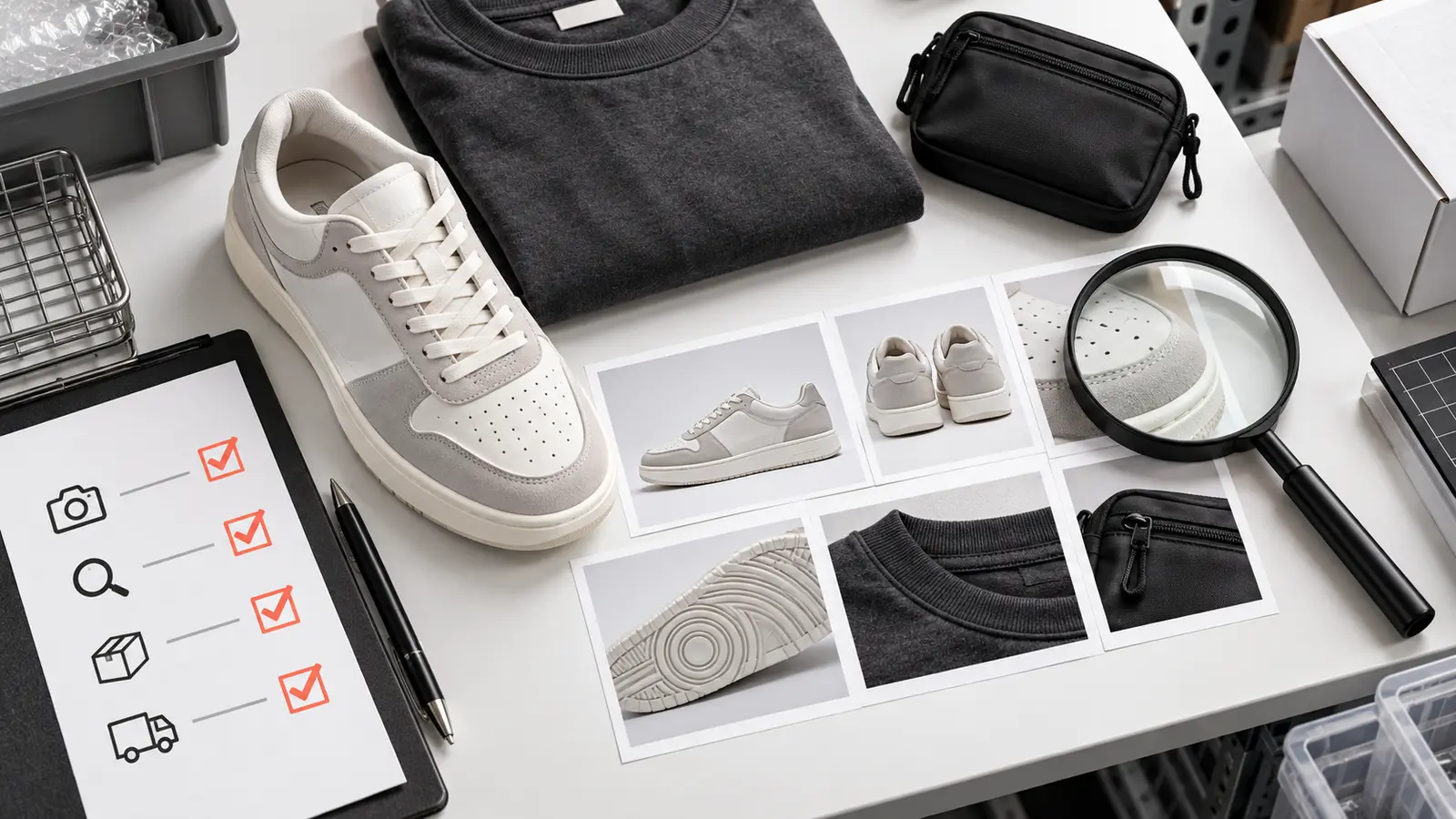
A category-by-category QC photo checklist for checking visible details without confusing source images with your own warehouse inspection.
Read guide →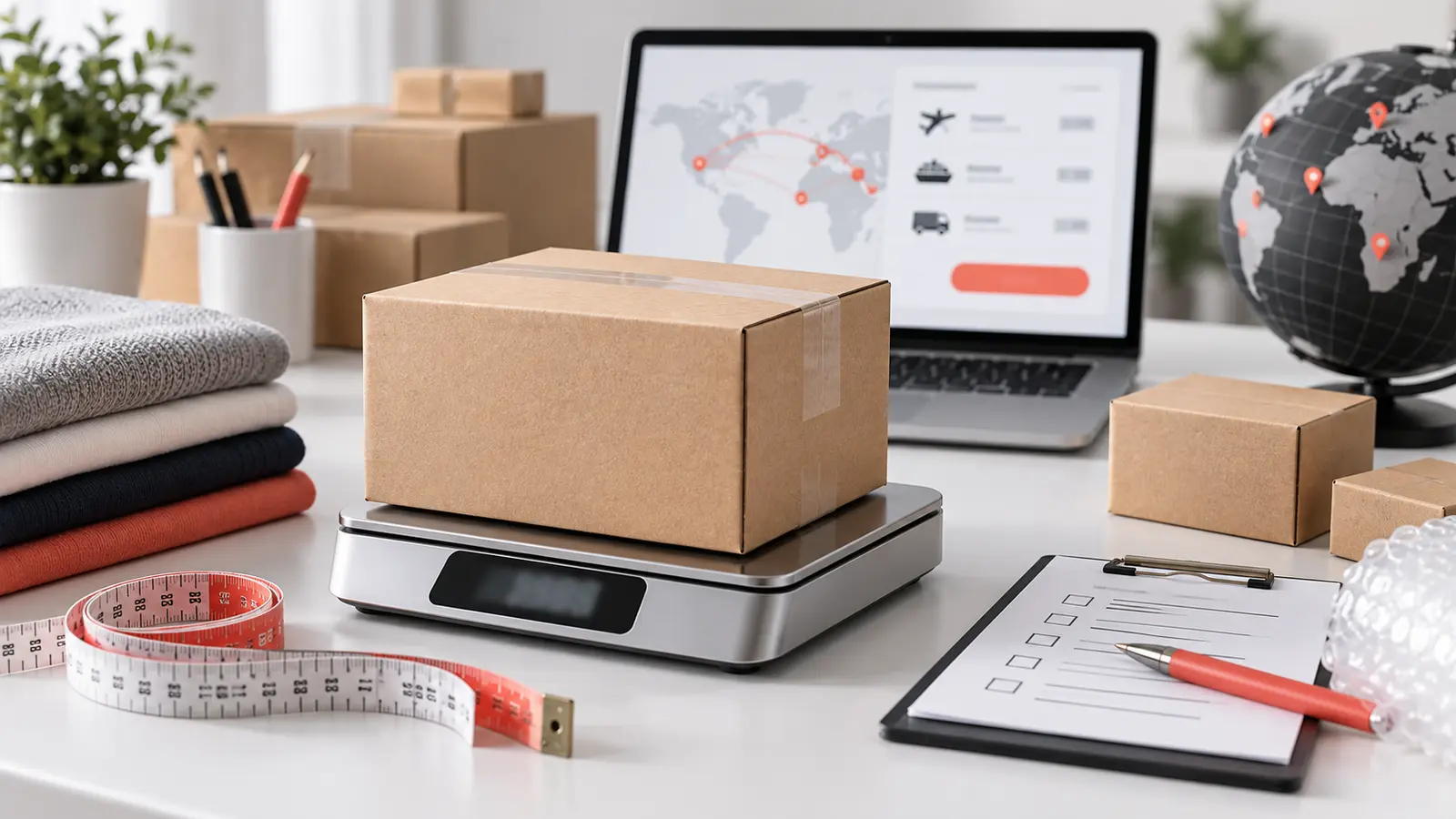
Plan a Kakobuy parcel using item weight, package volume, destination and current shipping-line rules instead of guessing from product price.
Read guide →This independent directory organizes public seller listings into a faster, mobile-friendly catalog. Product records remain on the source website and final price, stock and options should always be confirmed in Kakobuy.
Use a clear product, brand or category term to search the source catalog.
Product galleries show only images published with the matching source listing.
Open the Kakobuy item page to check the latest seller information before ordering.
This independent directory organizes public seller listings into a faster, mobile-friendly catalog. Product records remain on the source website and final price, stock and options should always be confirmed in Kakobuy.
It is an independent browsing layer for public listings supplied by kakobuymake.com. It does not sell products or process orders.
Titles, prices, categories and product images are requested from kakobuymake.com when a page is opened.
No. Displayed prices are source estimates. Confirm the current price, stock and selected option in Kakobuy.
No. The gallery reproduces the images published for that source record. A photo is not labelled as QC unless the source identifies it that way.
Open the product detail page, review the source images and price, then use the single Kakobuy button to continue.
The source catalog or seller listing may be changed or removed. This site does not keep a separate product database.